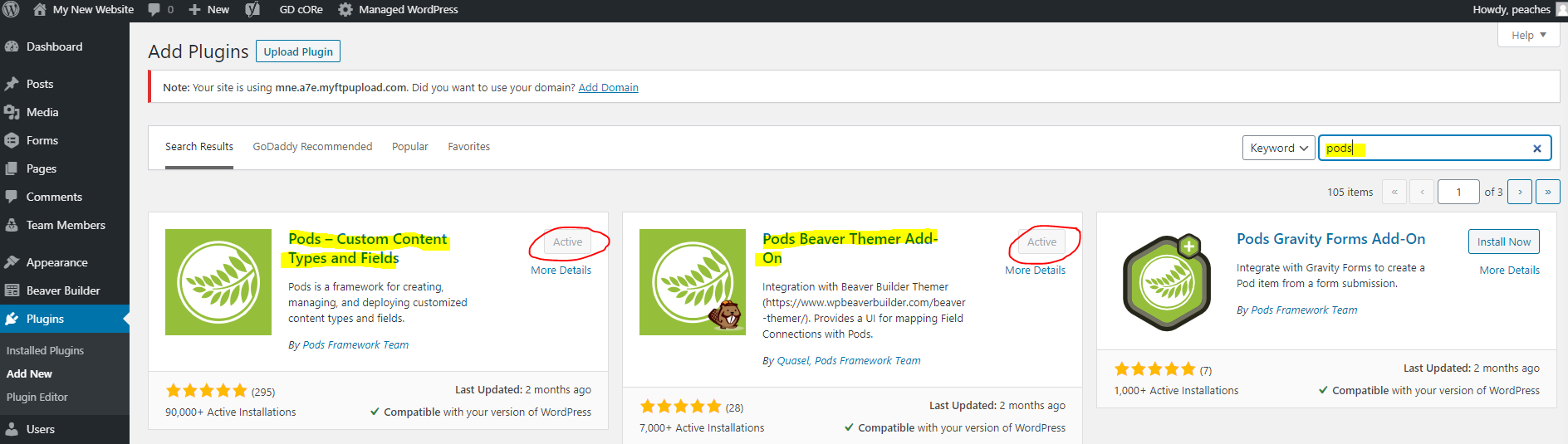
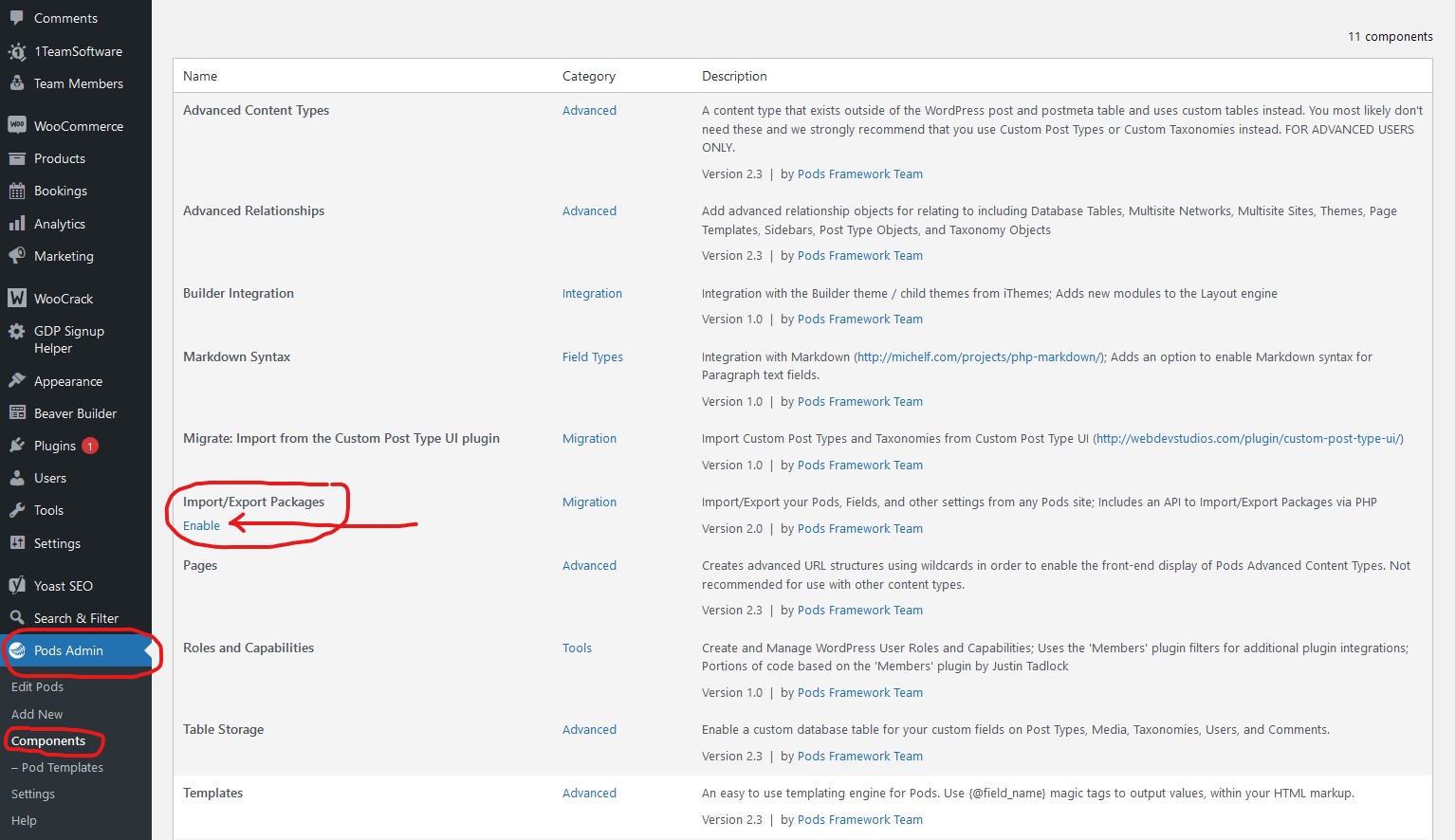
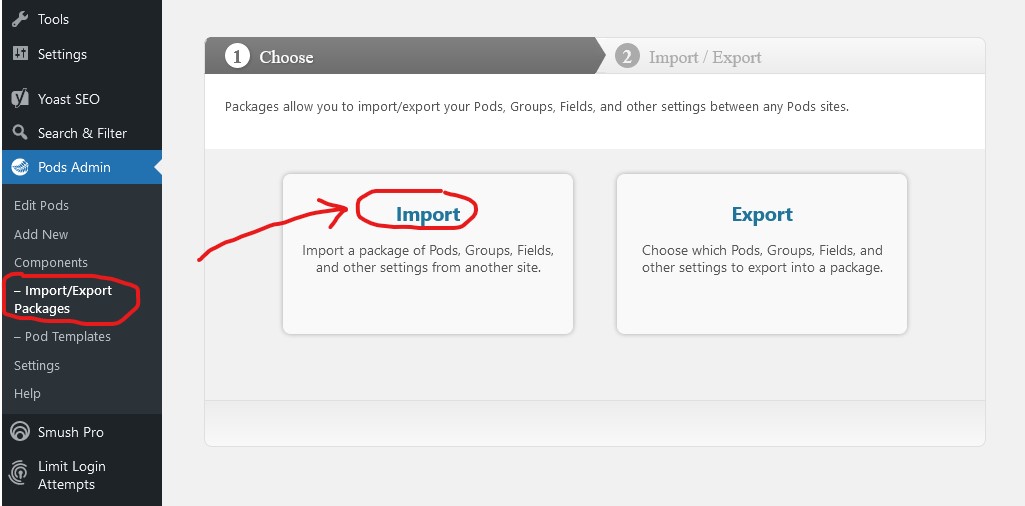
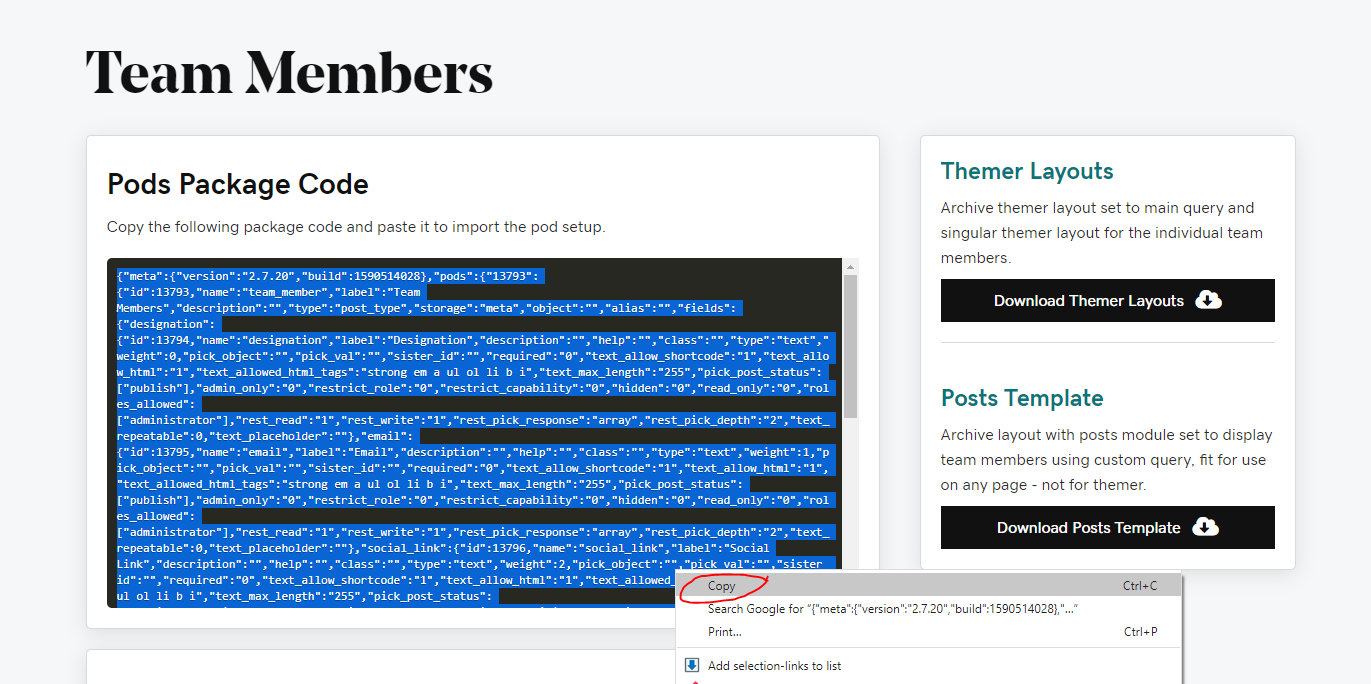
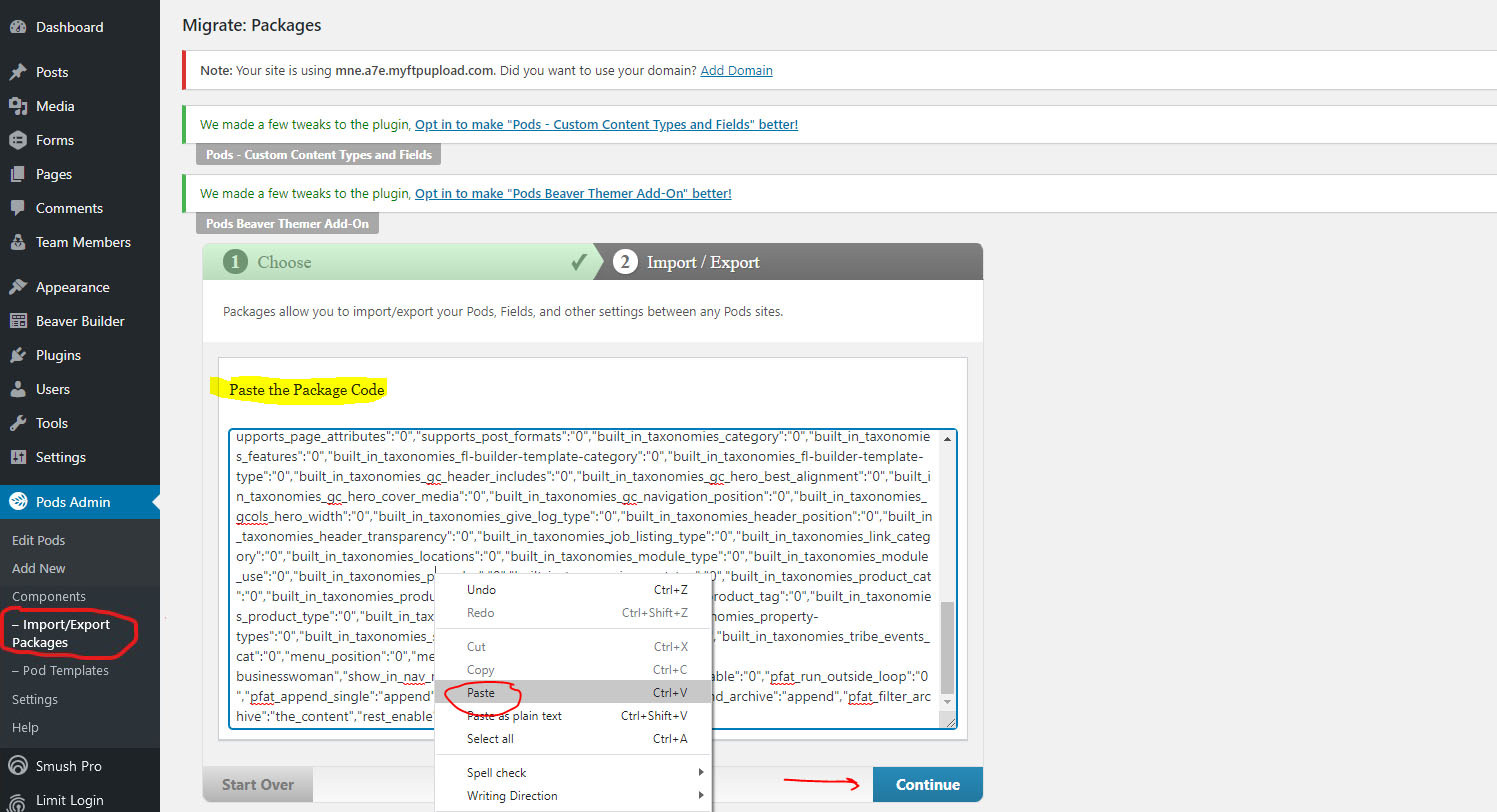
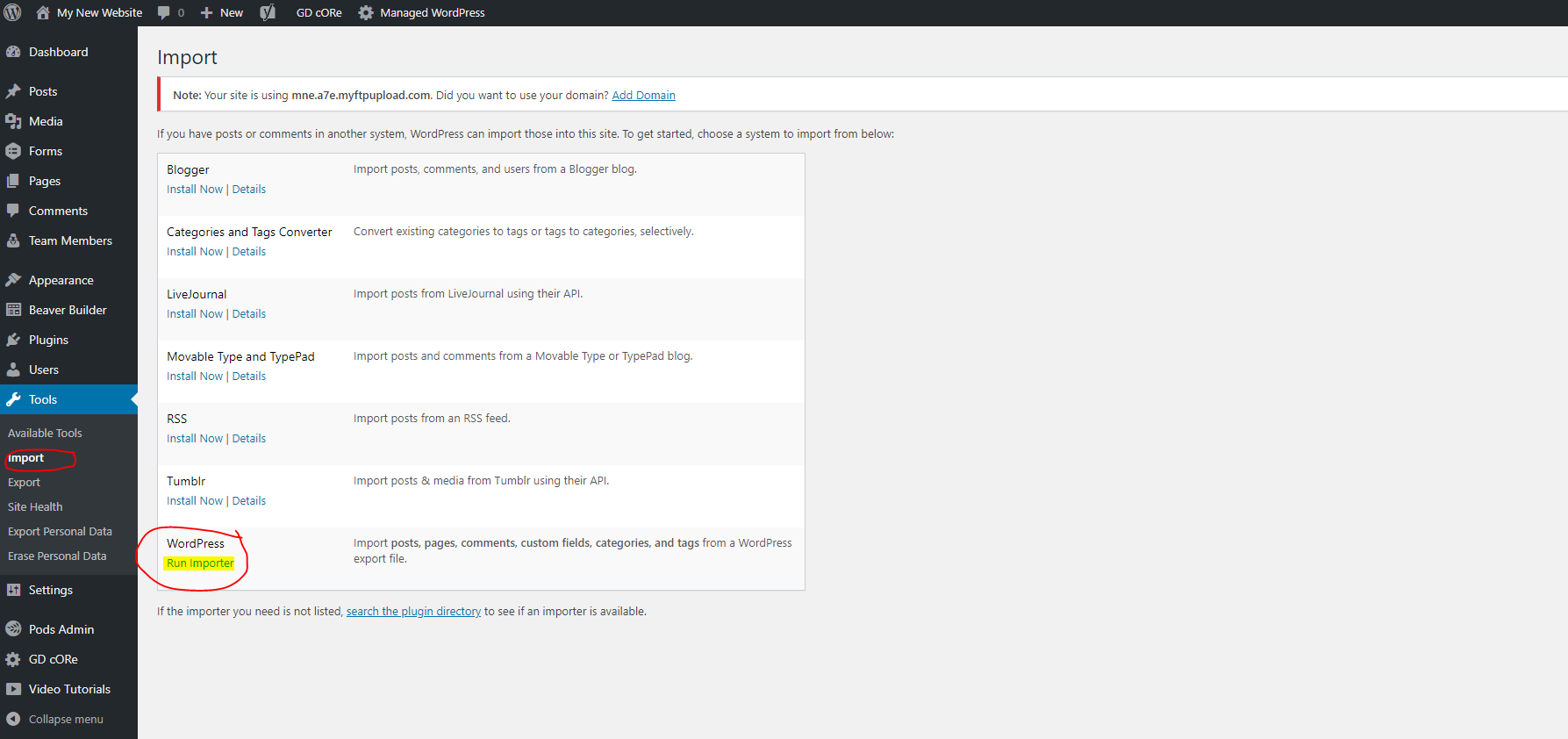
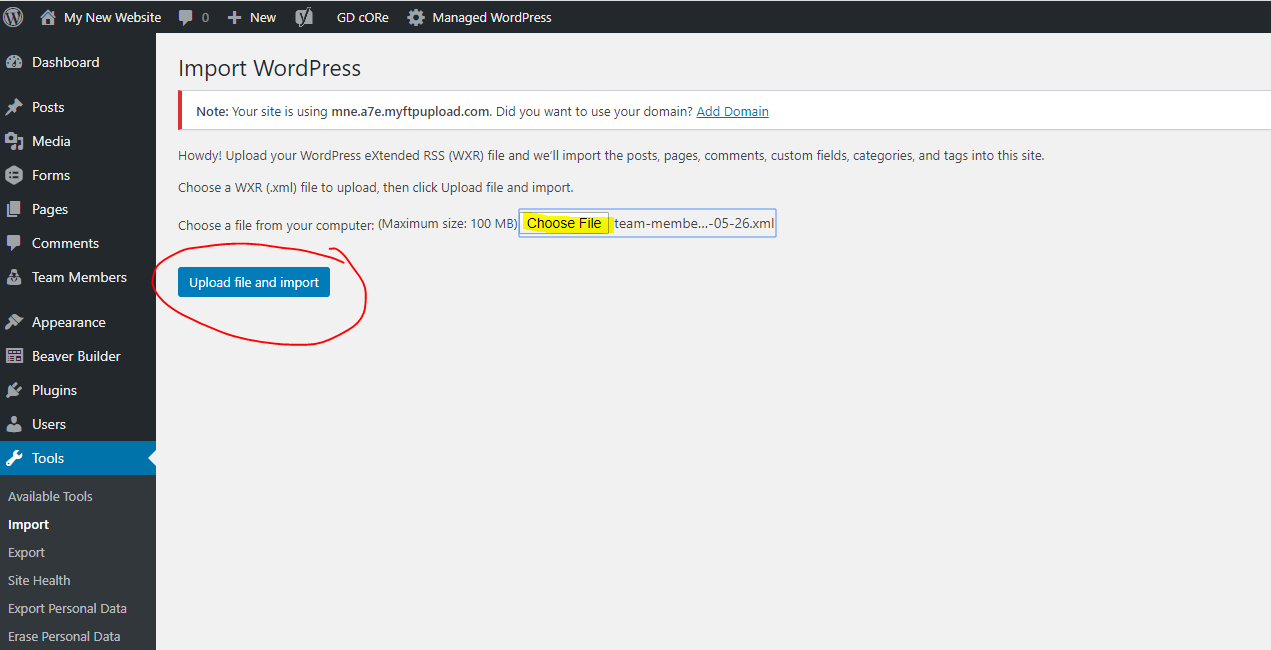
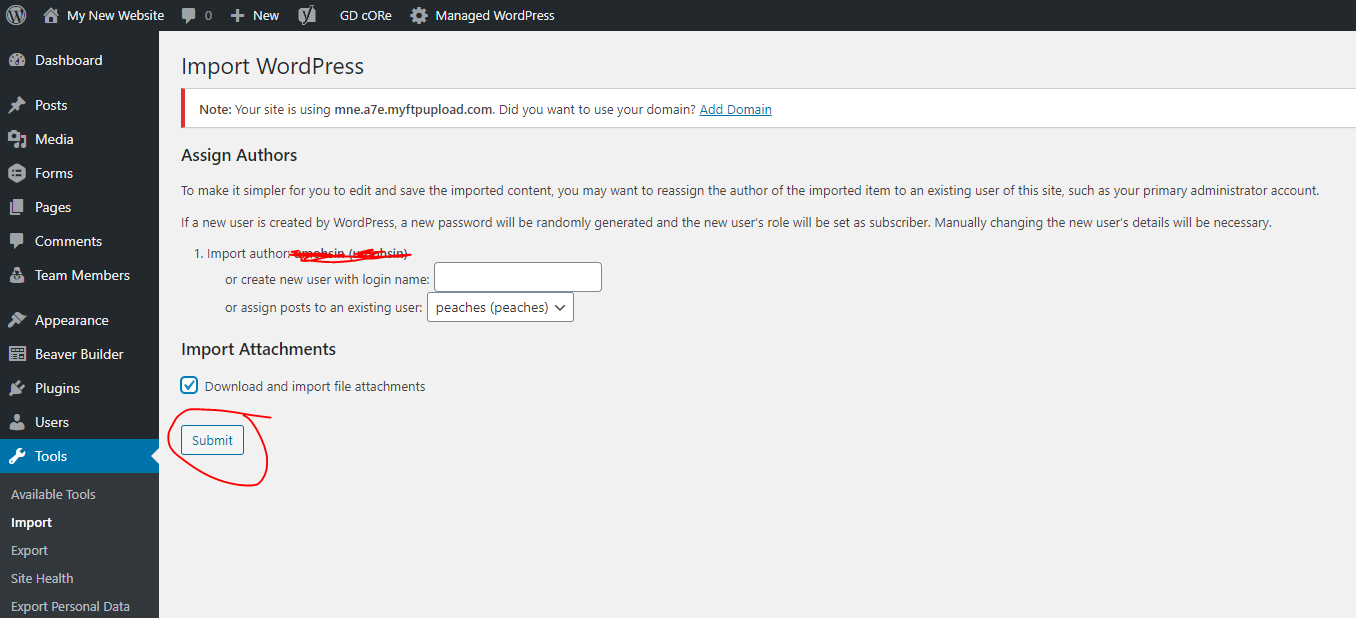
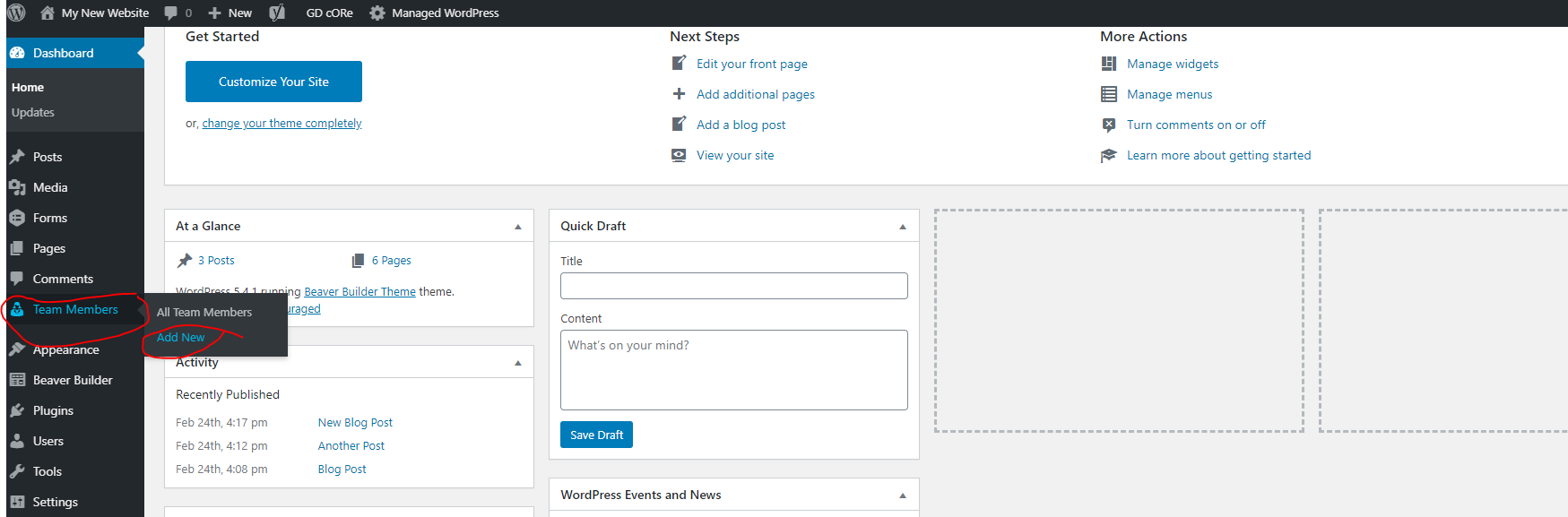
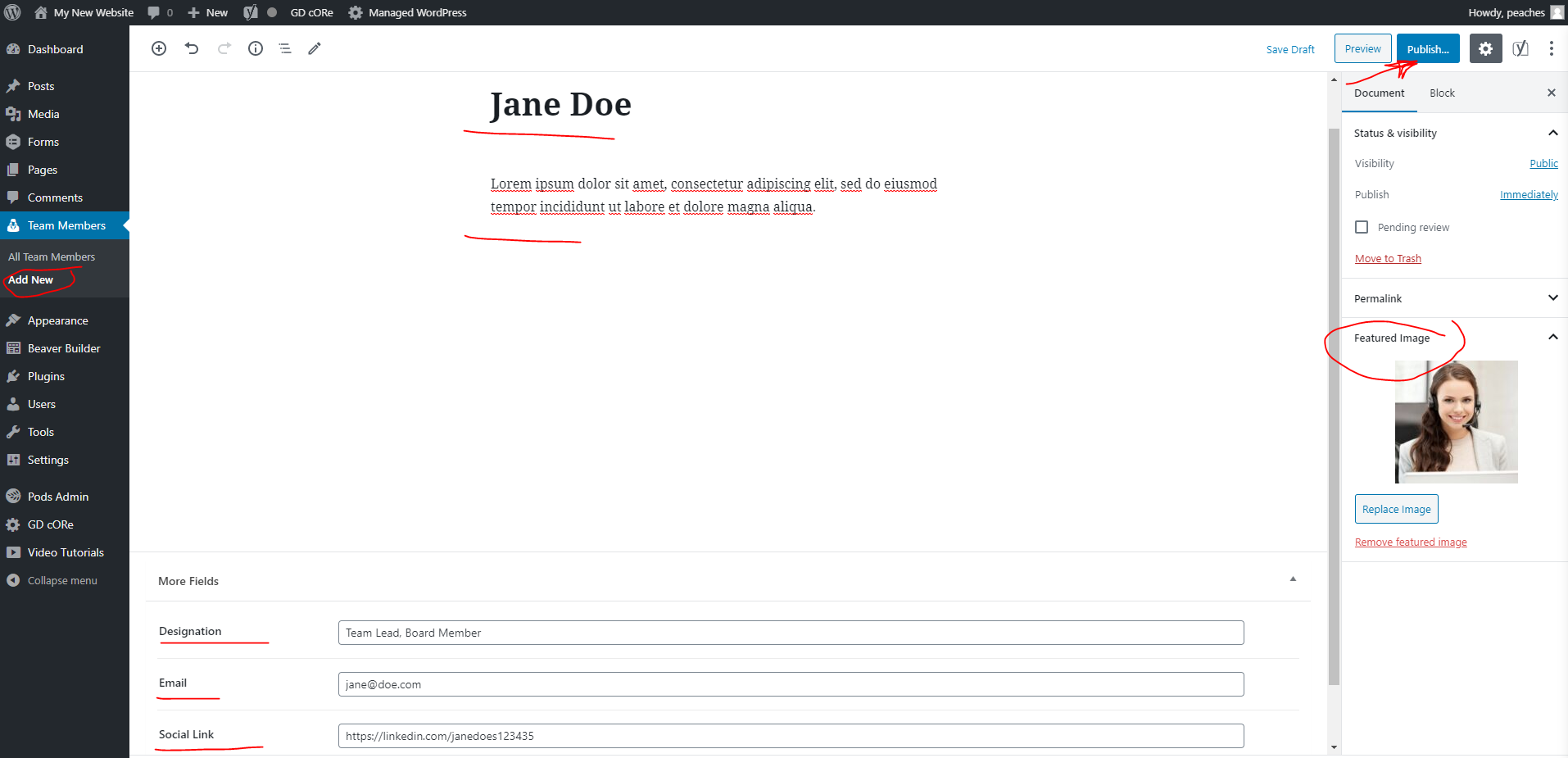
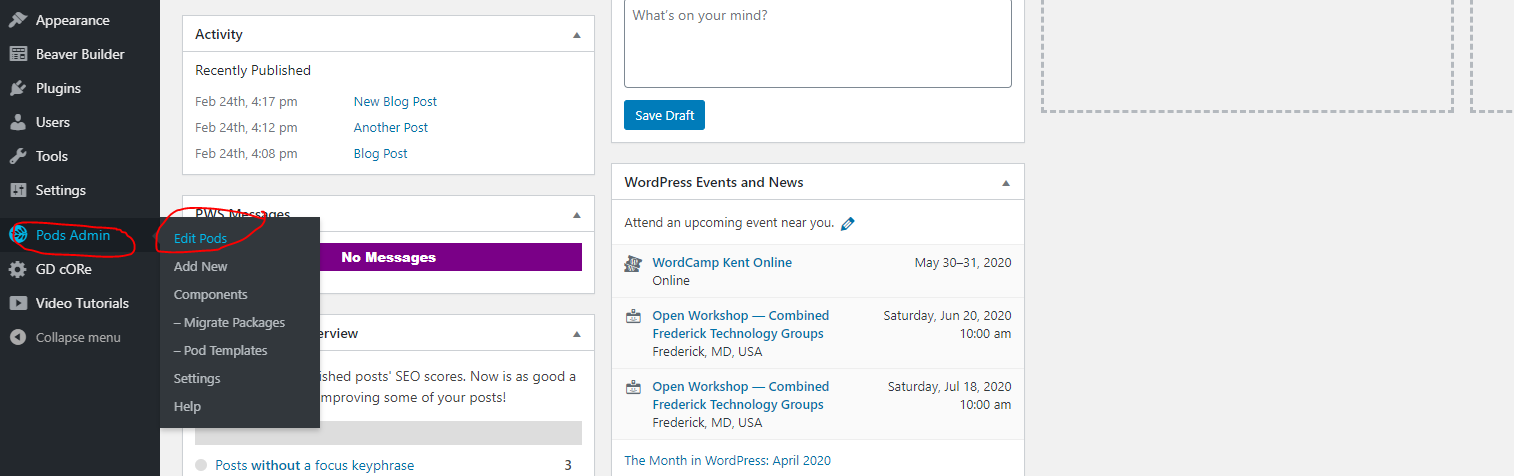
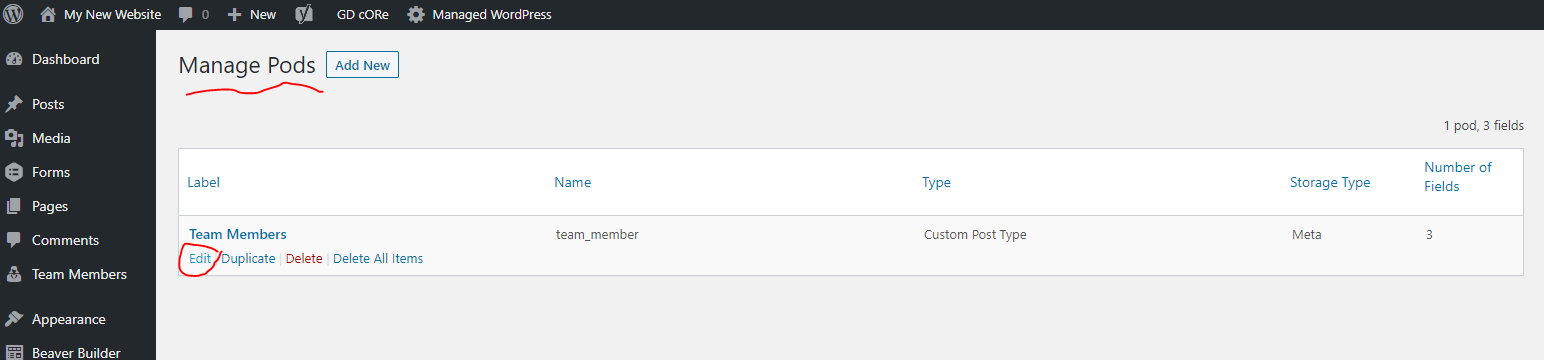
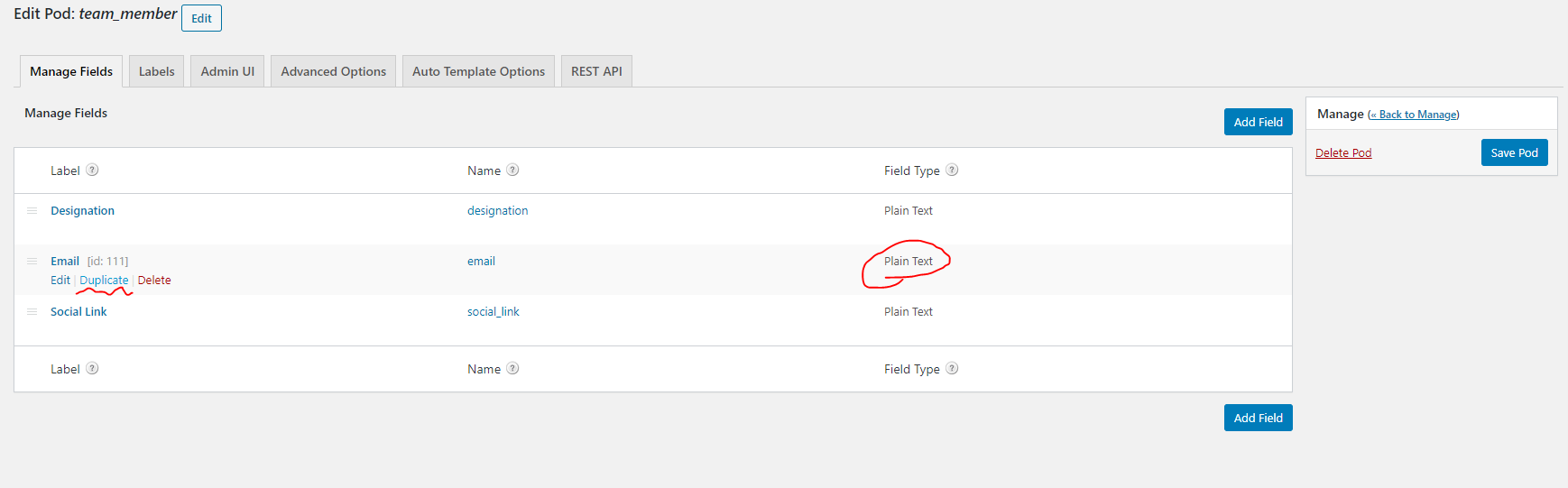
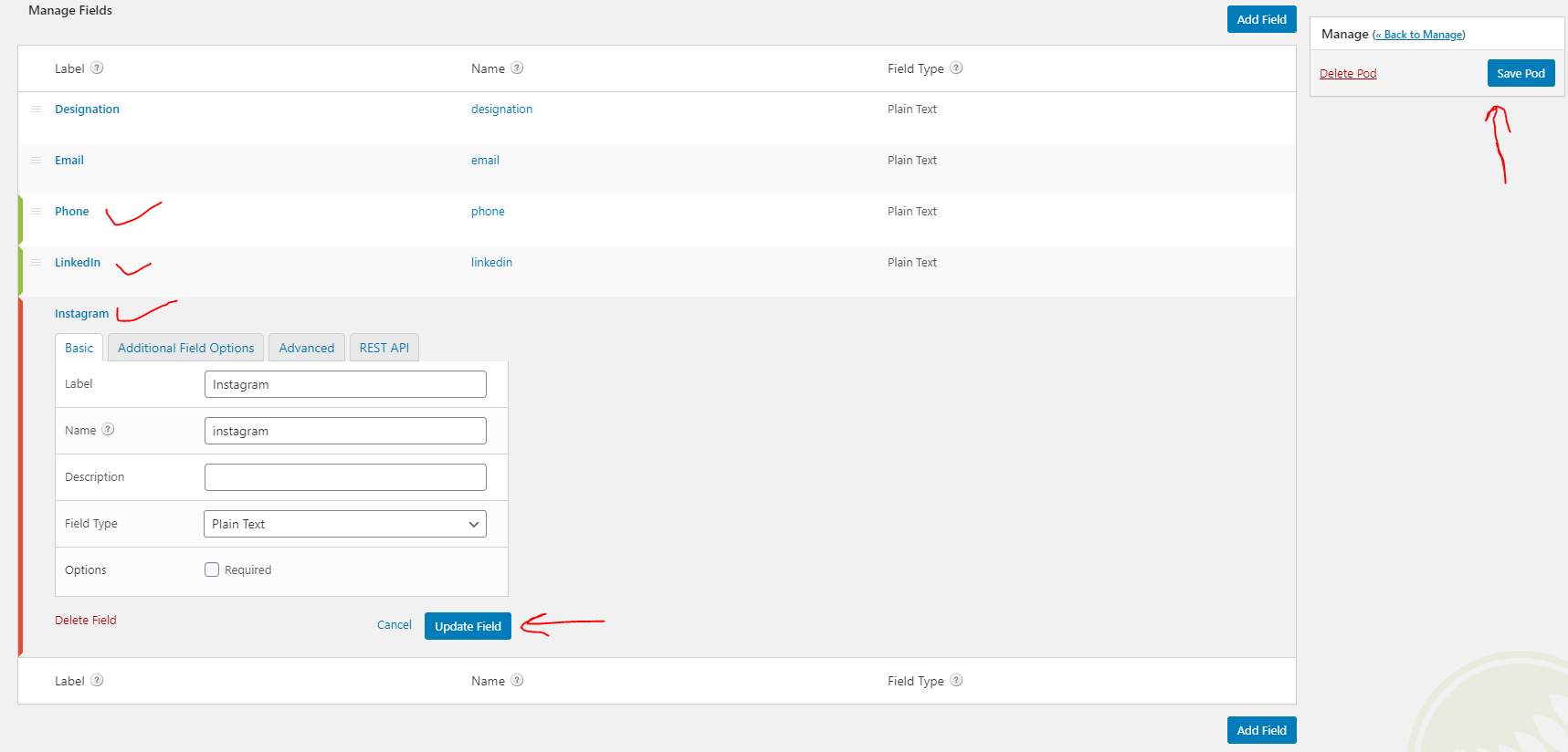
After you make changes to your pod, go to an already added post and add to the fields, then update this post

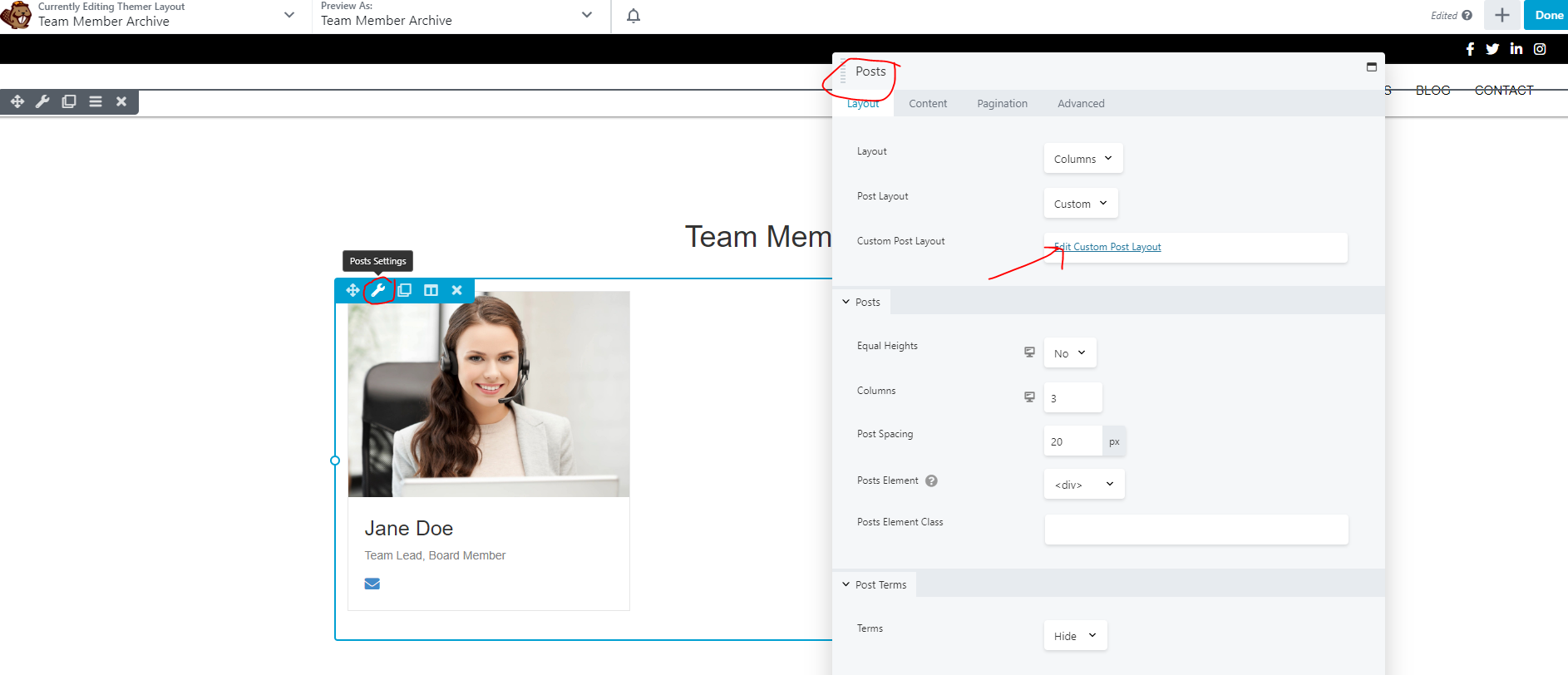
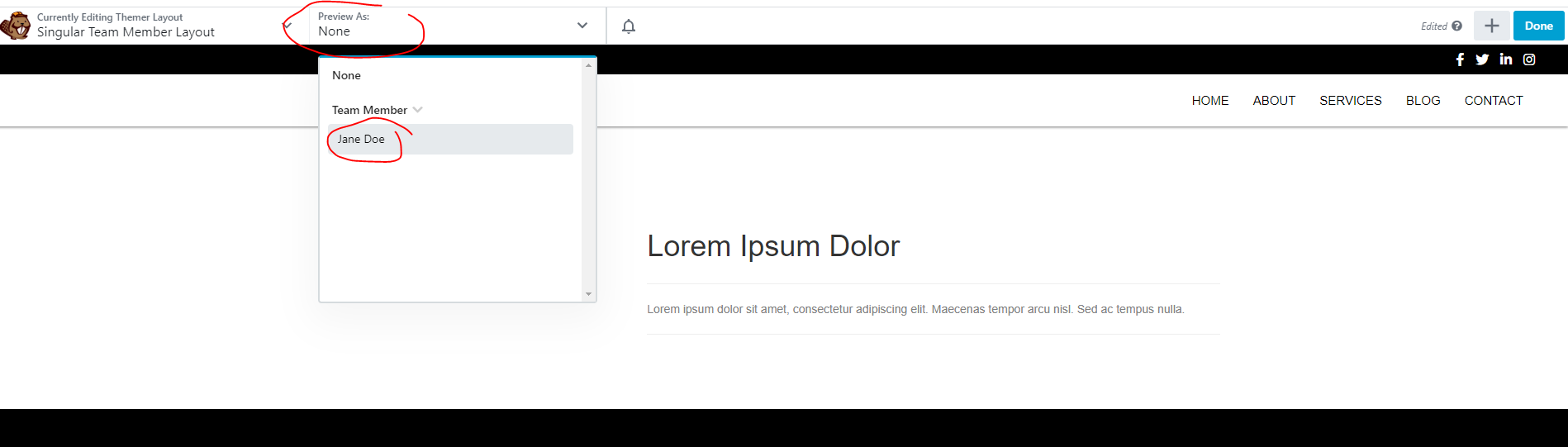
View the post and select to open the singular themer layout in beaver builder
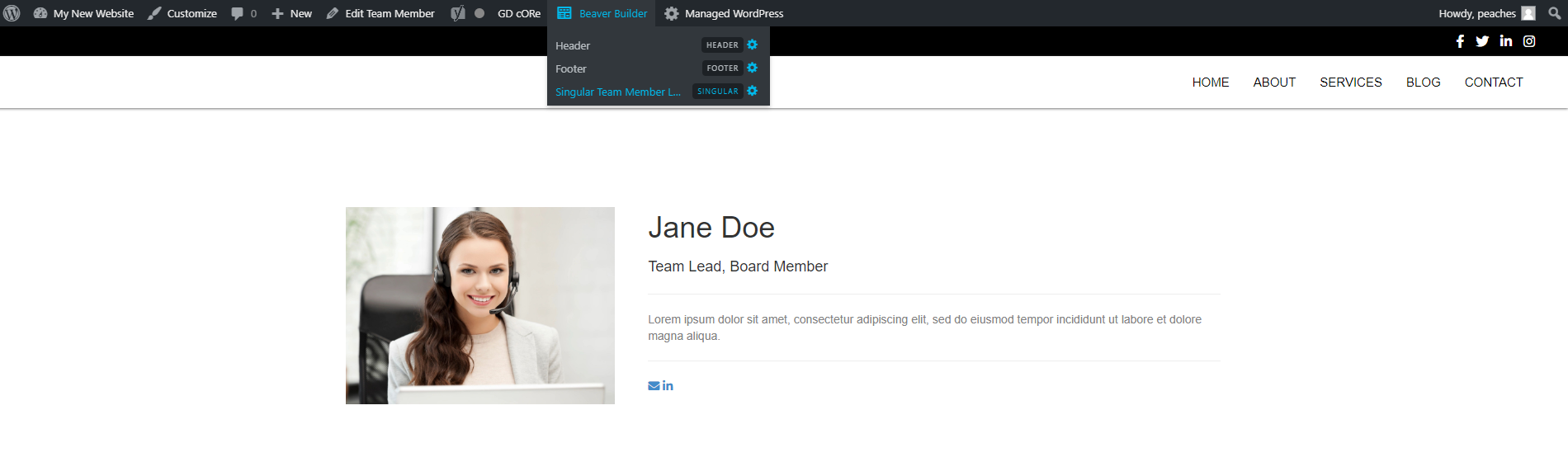
Make sure you view the post that you just added all the new information to so that you can see those fields and their content and you can style them appropriately
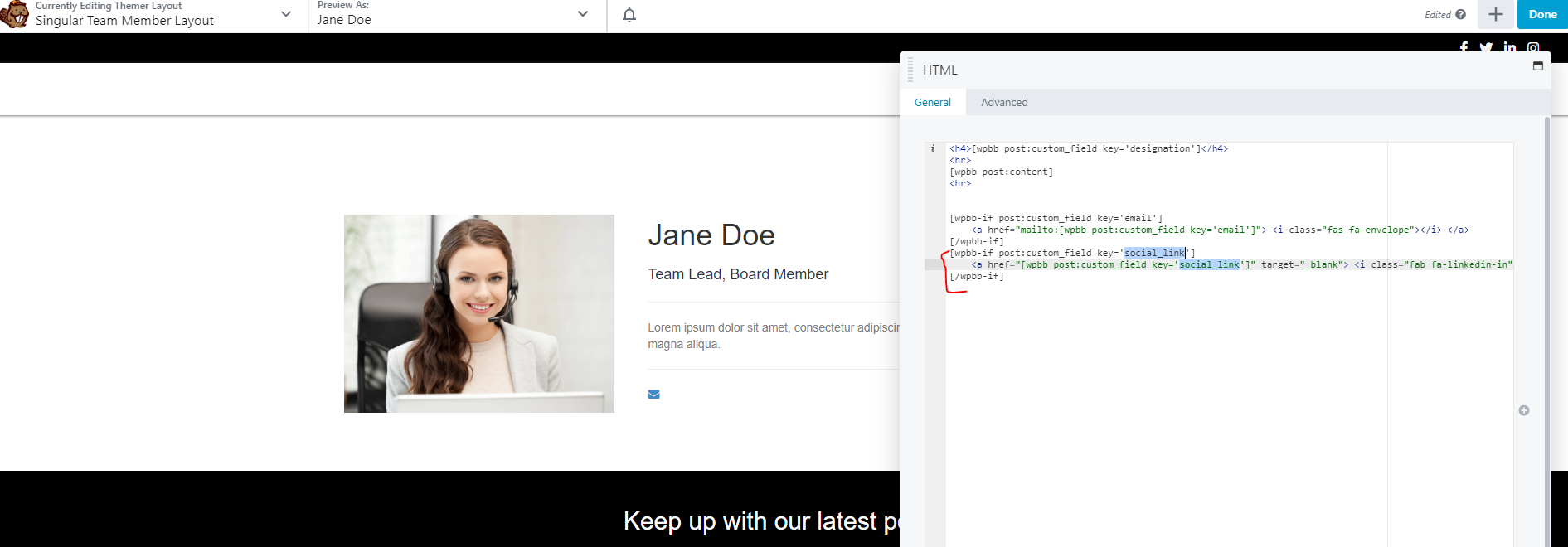
Open the html block and change any field names that you changed in the edit pods screen
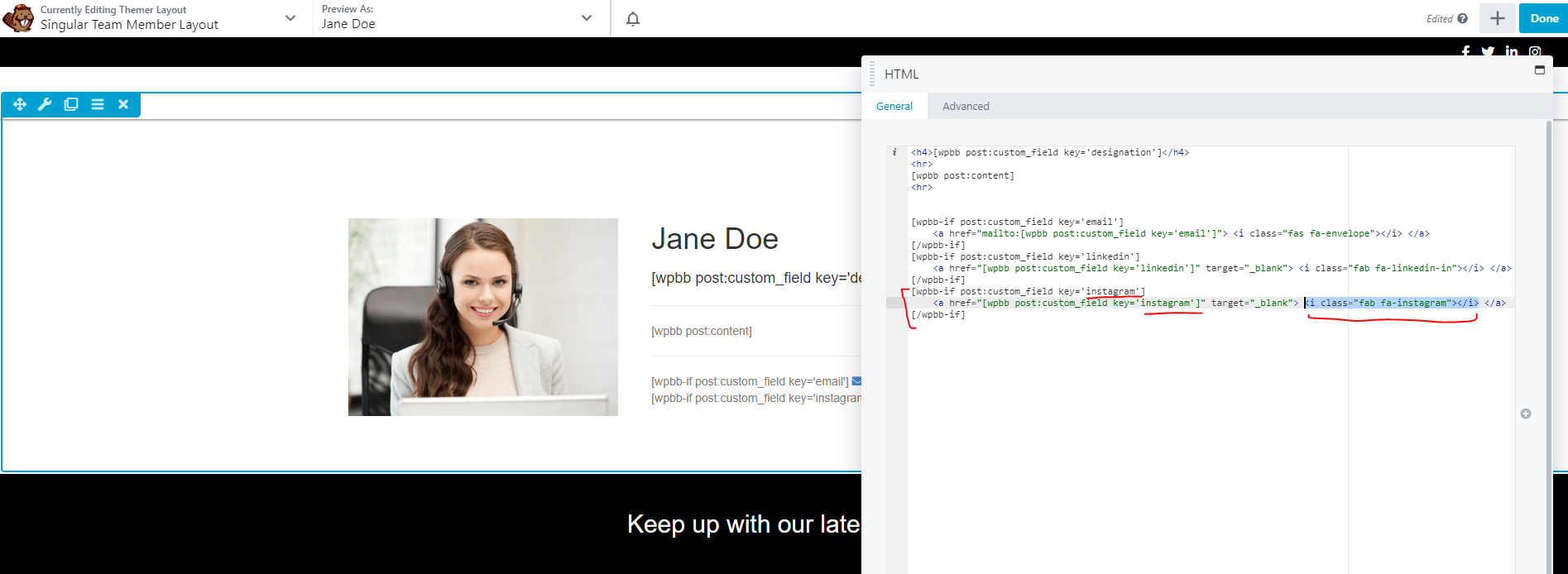
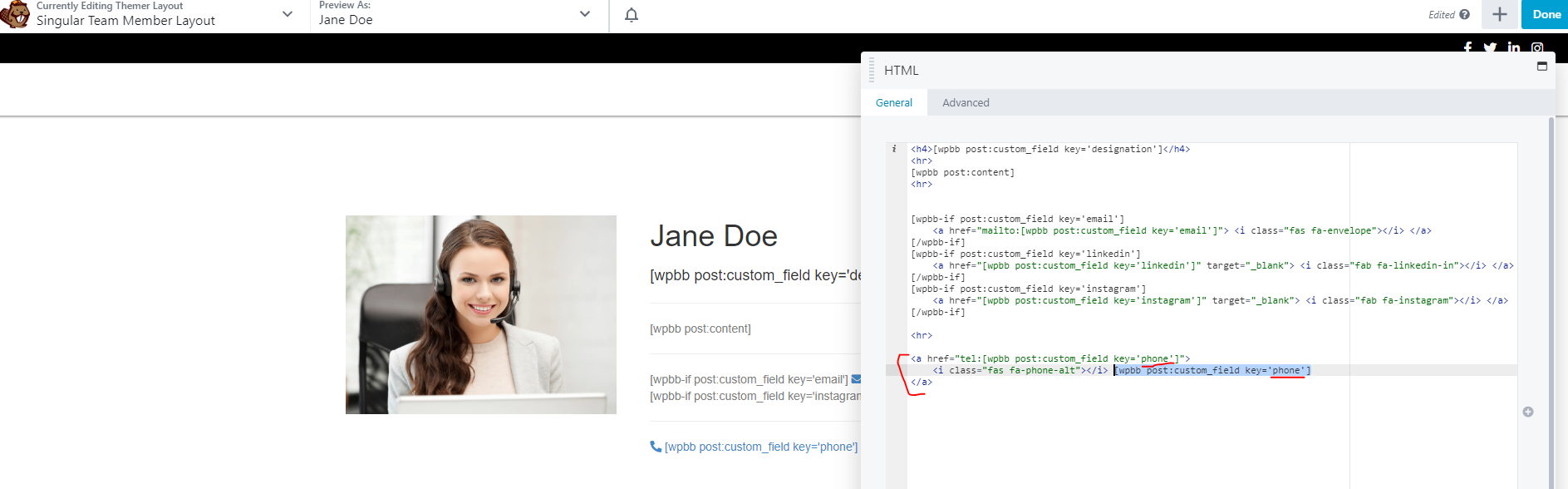
Duplicate sections for any fields you duplicated, and update the field names
In this example, the following items were done to the pod:
- I edited the social_link field and changed the name to "linkedin"
- I duplicated the linkedin field and changed the name to "instagram"
- I duplicated the email field and changed the name to "phone"
In this example, the following items were done to the singular themer layout:
- I changed the field name in the social_link a tag to "linkedin"
- I duplicated the linkedin a tag and changed the name to "instagram" - I replaced the linkedin icon with an instagram icon from fontawesome
- I duplicated the email a tag and changed the name to "phone" - I changed the "mailto:" link to a "tel:" link - I replaced the envelope icon with a phone icon from fontawesome
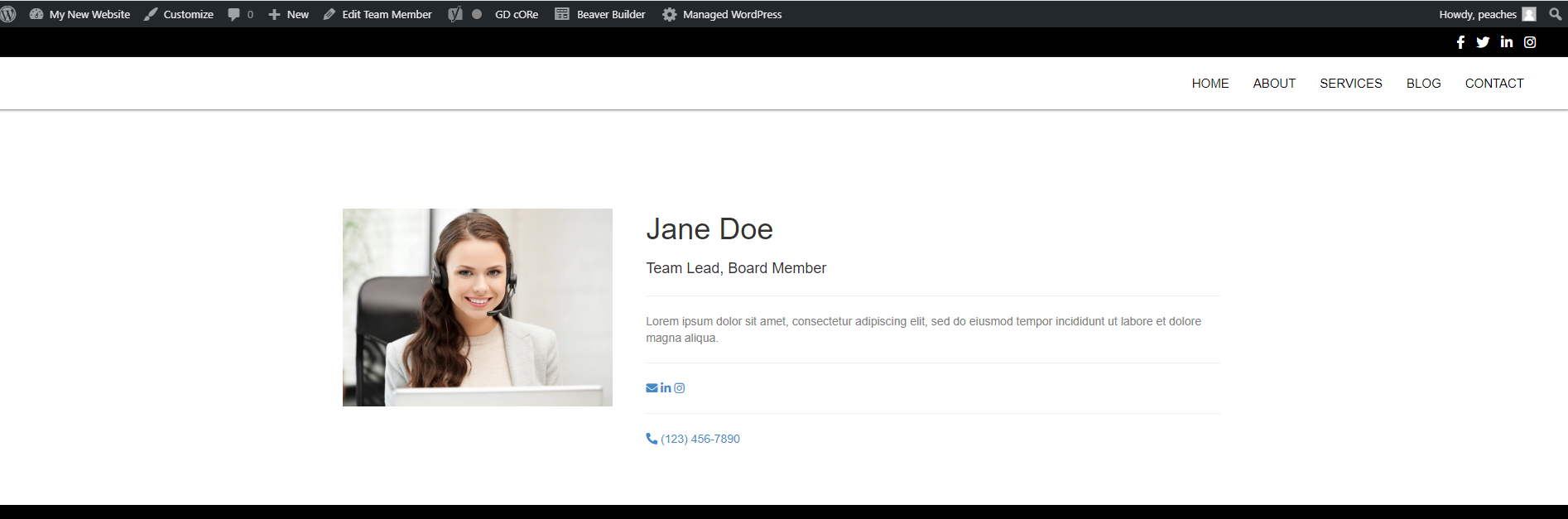
Once you like how it looks, save and publish the layout